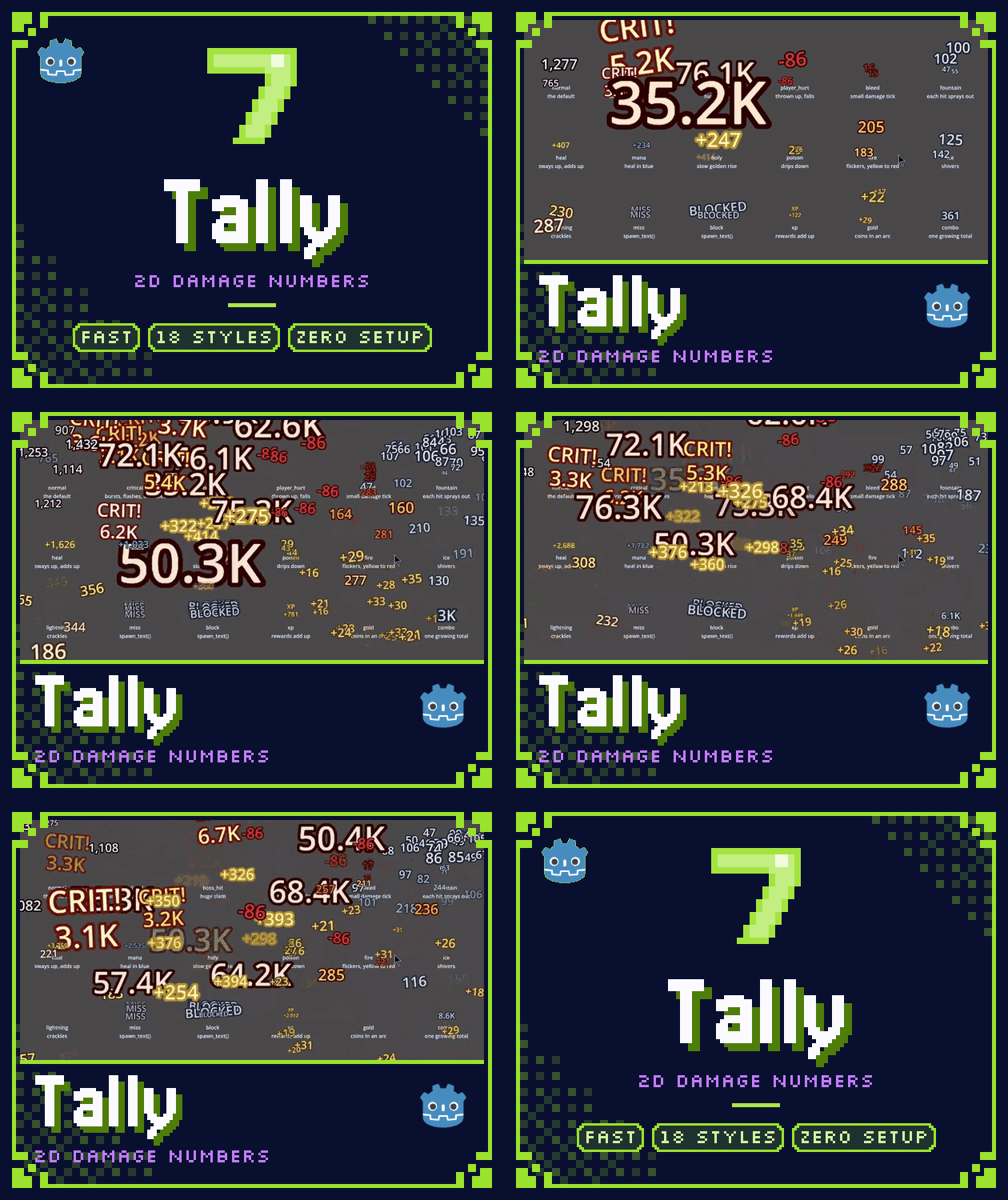
Tally2D: floating damage numbers for Godot 4
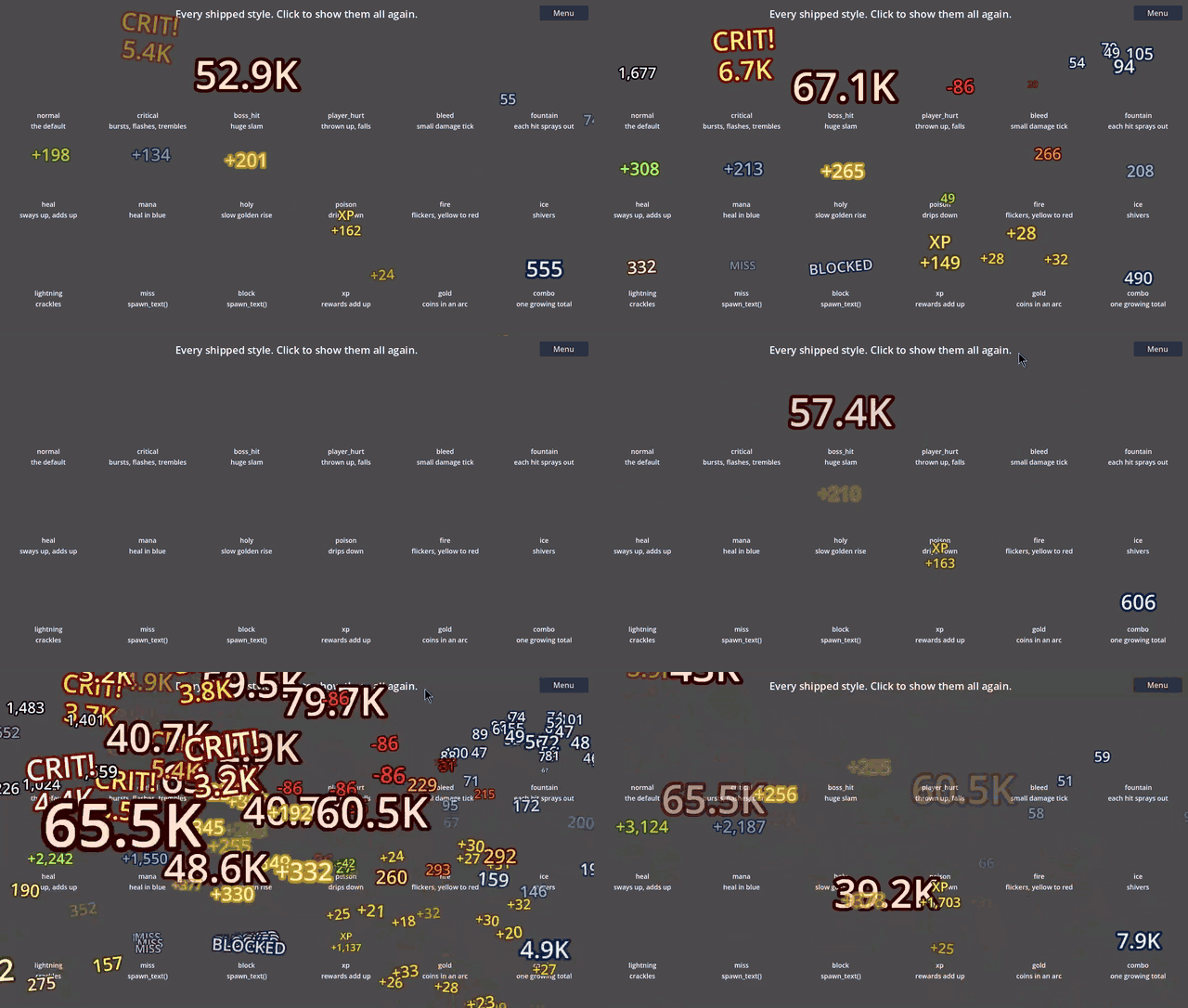
Tally2D is a Godot add-on that shows floating damage numbers in 2D games. It comes with 18 ready-made styles (crits, healing, fire, poison, misses, gold and more) that you can use as they are or edit in the inspector.
What it does
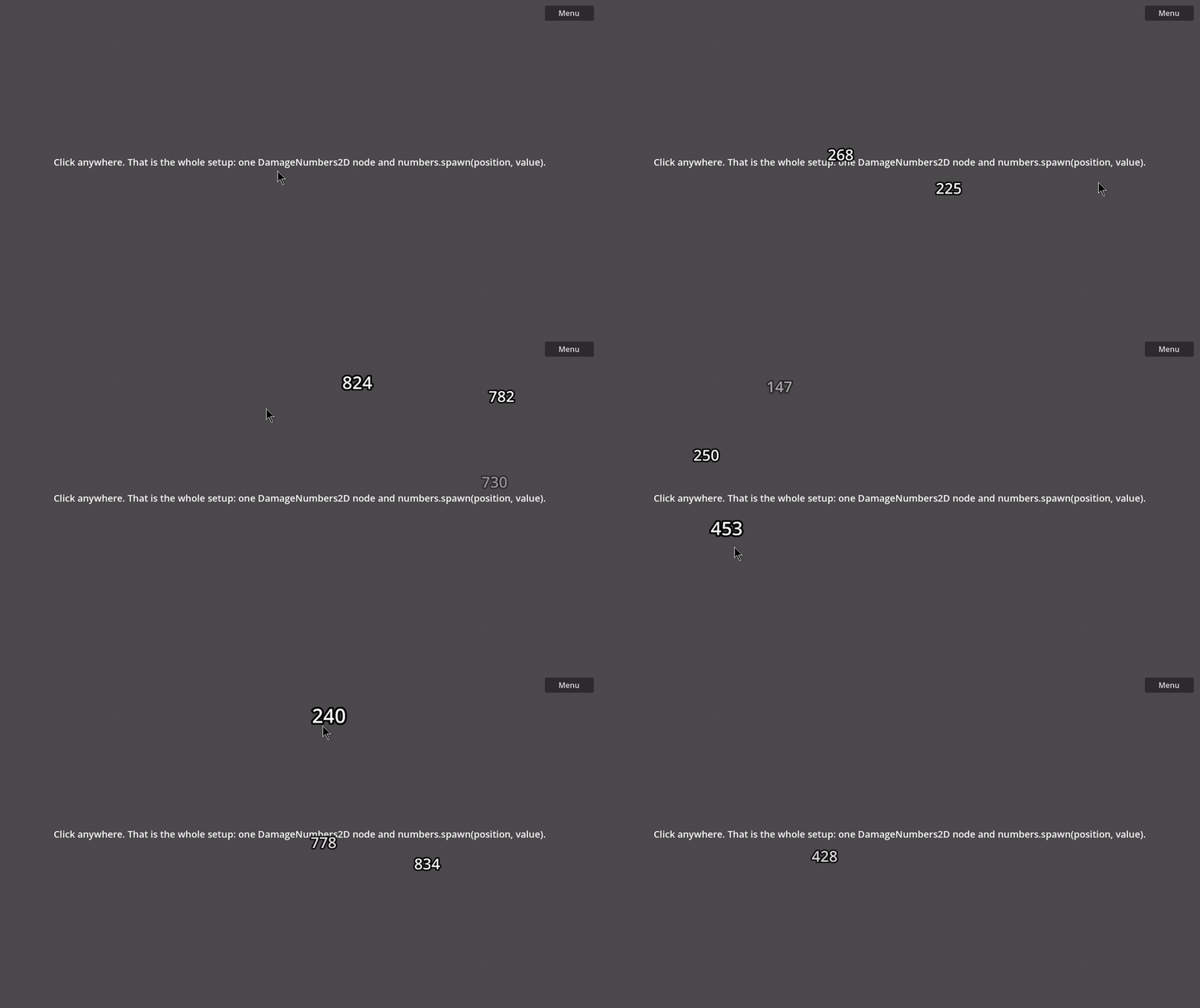
- One line to show a number:
numbers.spawn(enemy.global_position, damage). - 18 shipped styles and a DamageStyle2D resource for your own: size, color, outline, lifetime, how far and in which direction numbers rise, thrown arcs with gravity, sway, shake, tilt, and curves and a gradient for scale, fade and color over time.
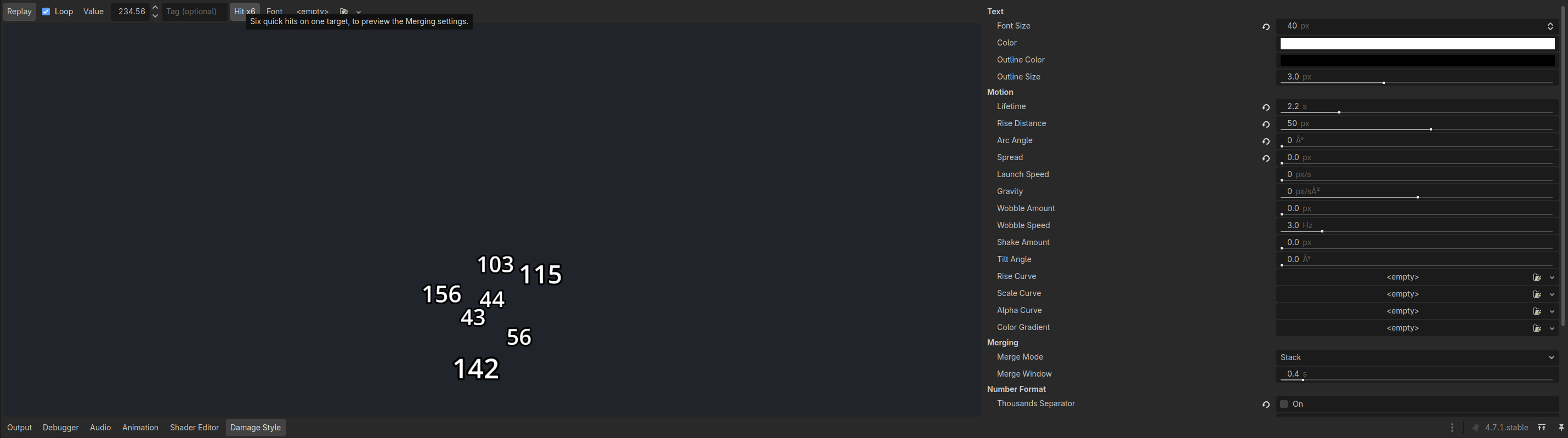
- A Damage Style panel in the editor: select a style and see a live, looping preview next to the inspector, with a value, a tag and a font you can change. A "Hit x6" button previews the merge settings.
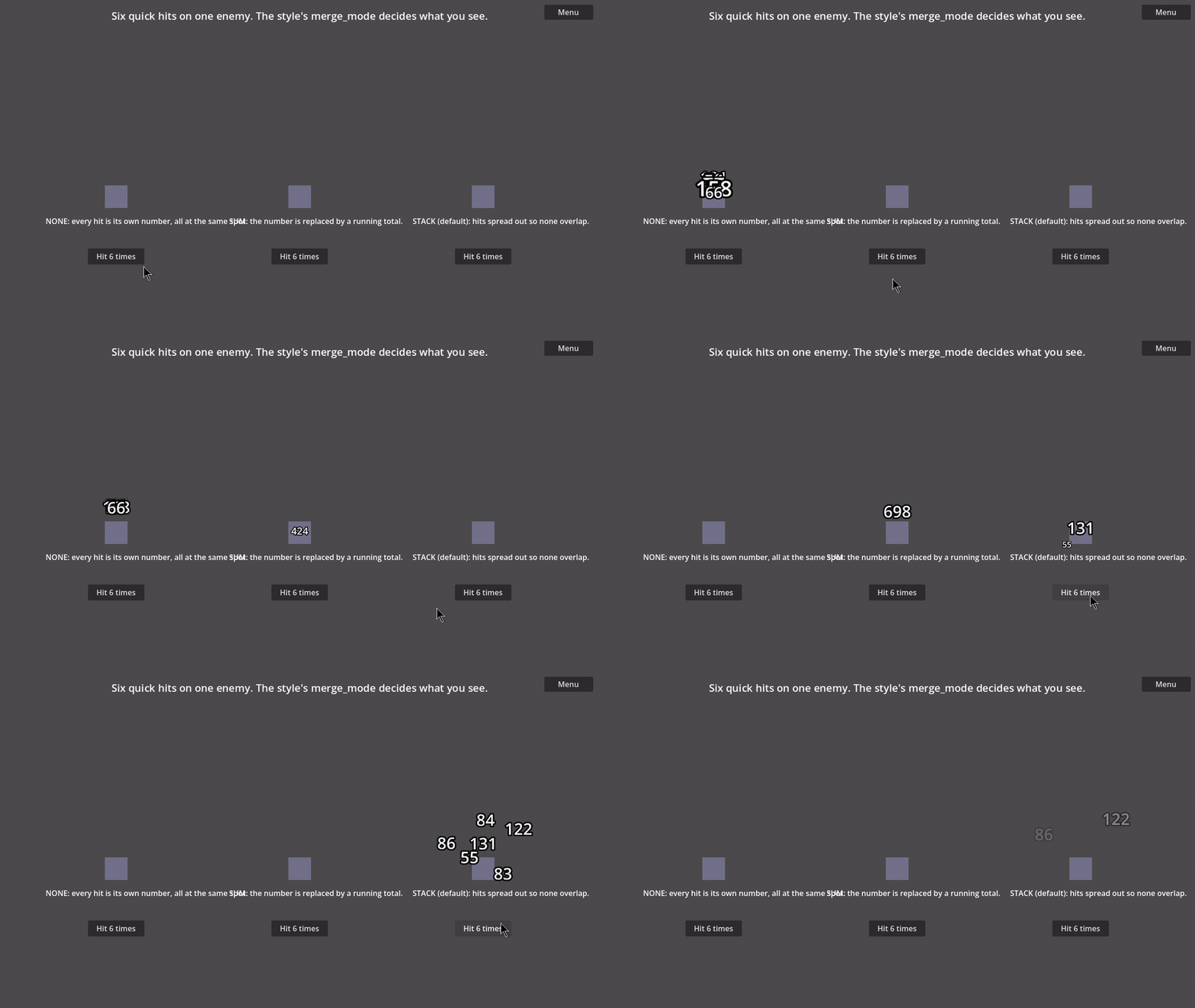
- Several hits on one enemy: spread them so none overlap (default), or merge them into one growing total, or keep every hit separate.
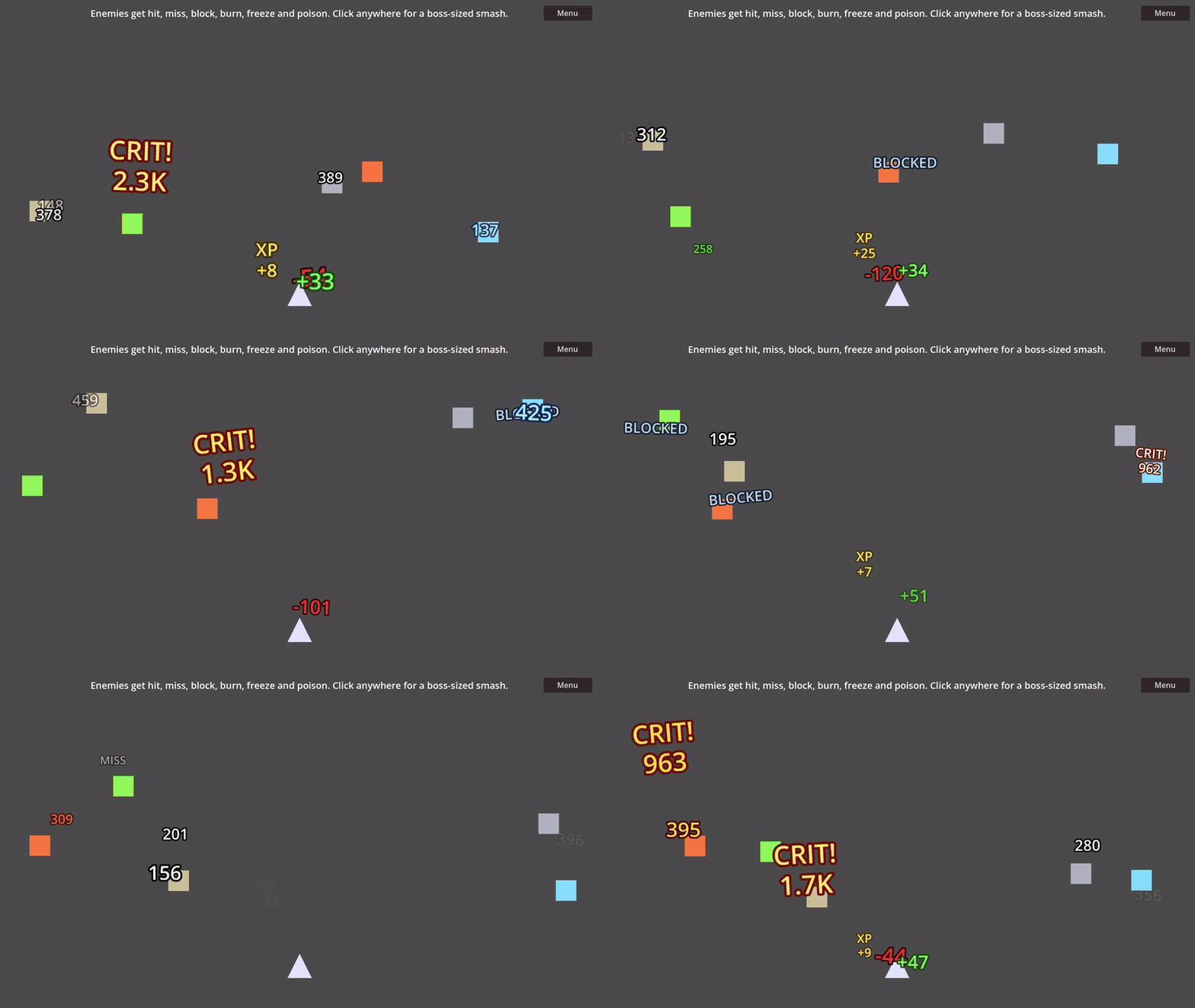
- Text popups with no number (
spawn_text: MISS, BLOCKED), a tag above the number (CRIT!), andspawn_batchfor many hits in one call. - Number formats: thousands separator, K/M/B abbreviation, decimals, + sign.
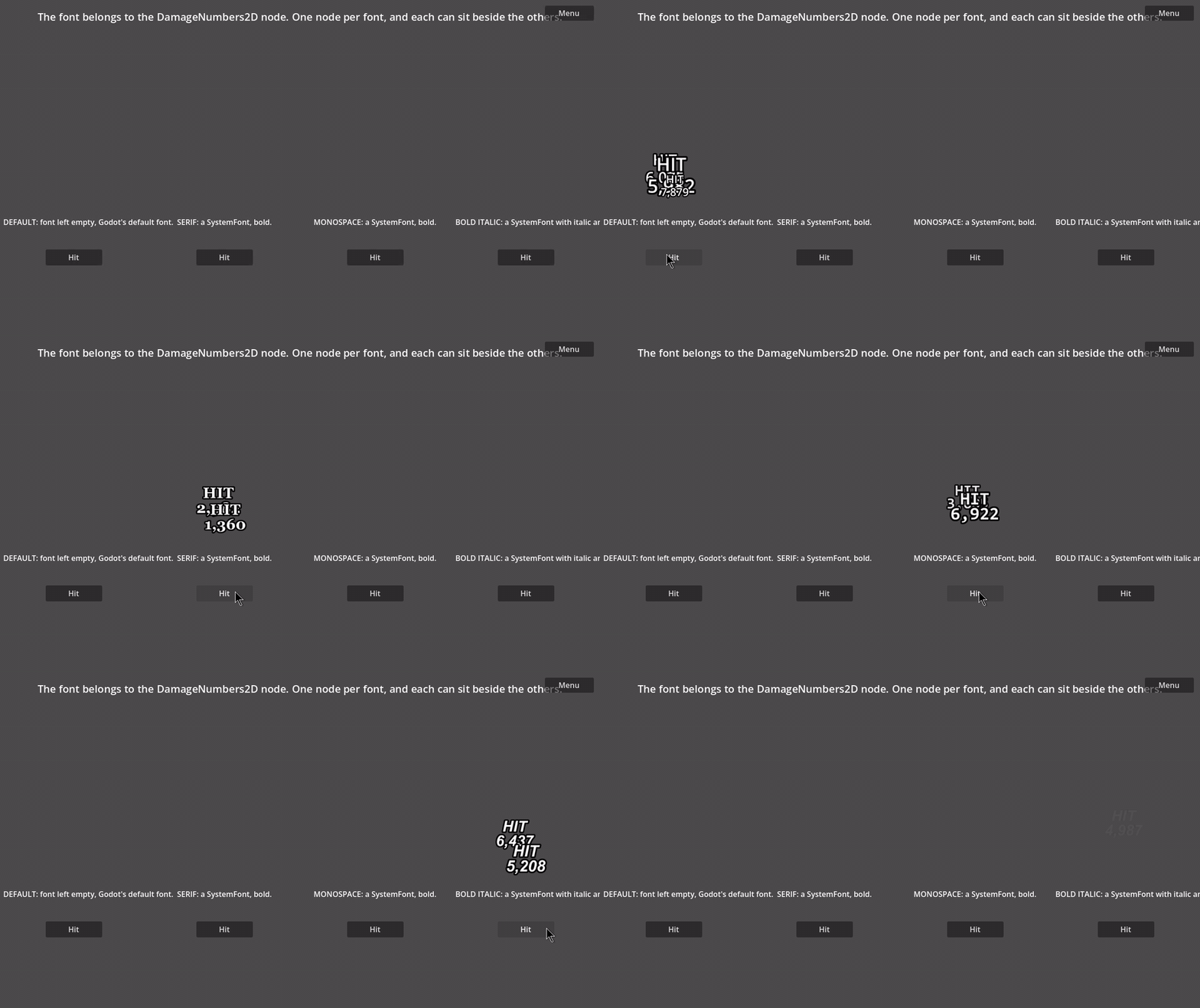
- Any Godot font, set on the node. You can use several nodes with different fonts in one scene.
- Seven example scenes, class reference in the editor's help, and a README.
Getting started
- Copy
addons/tally2dinto your project and reopen it. - Add a DamageNumbers2D node to your scene.
- Show a number:
@onready var numbers: DamageNumbers2D = $DamageNumbers2D

func _on_enemy_hit(enemy: Node2D, damage: int) -> void:
    numbers.spawn(enemy.global_position, damage)
For a custom look, drag one of the styles in addons/tally2d/styles into the spawn() call, for example
numbers.spawn(pos, damage, crit_style, "CRIT!"). To use the style panel, turn on the plugin in
Project > Project Settings > Plugins.
Performance
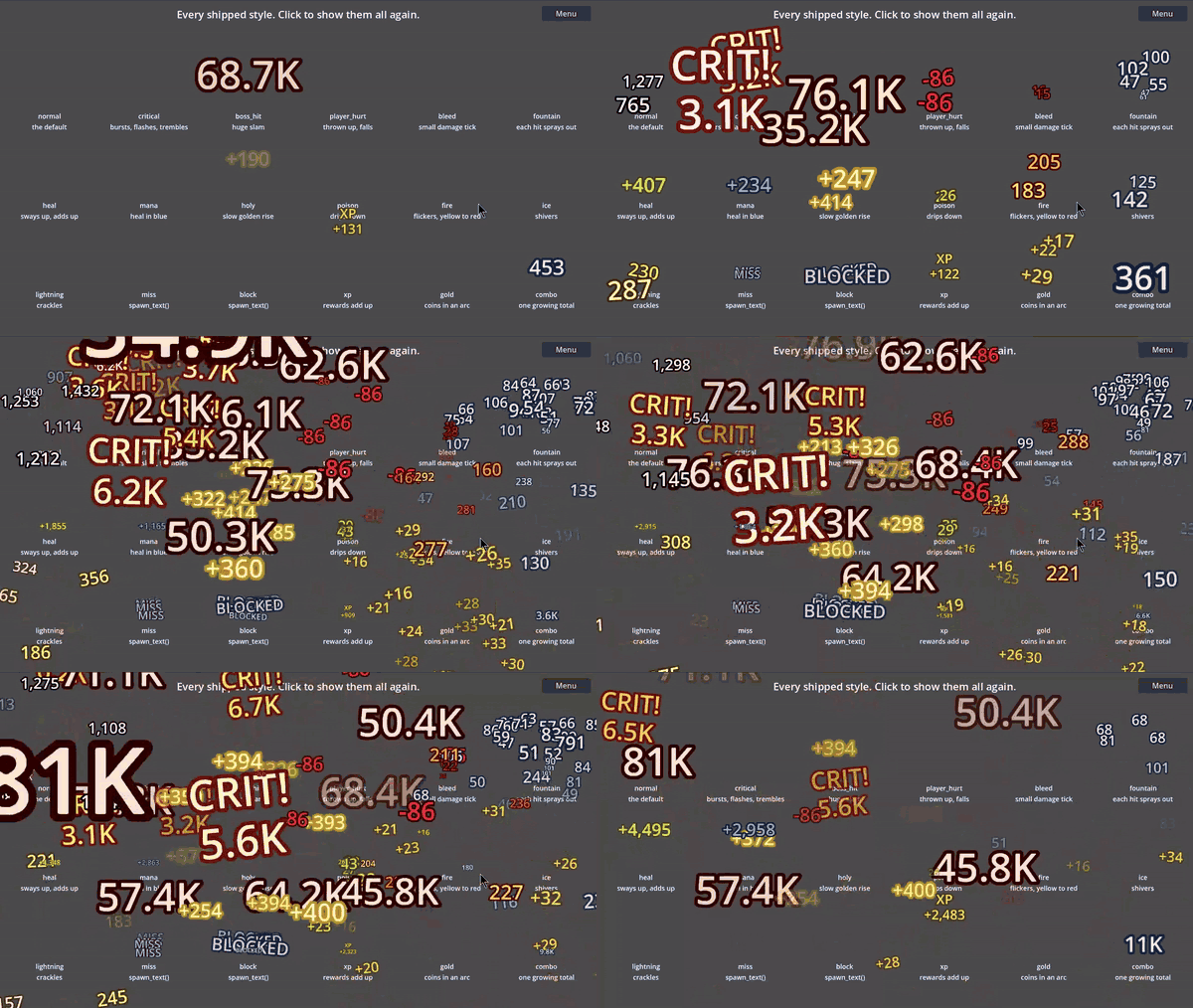
Spawning writes straight into a preallocated buffer, and the animation runs on the GPU, so a number that is
already on screen costs the CPU nothing. On my machine, spawning costs about 50-90 nanoseconds per number in the
C++ core; The node keeps at most 10,000 numbers alive by default
(max_numbers); the oldest disappear first. Your numbers will depend on your CPU and GPU. The
stress-test example lets you try it on your own machine.
In the zip
- The add-on: compiled libraries for Windows and Linux (editor, debug and release). There is no C++ source.
- The 18 styles, the seven example scenes, the editor style panel, a README and the license.
Requirements
Godot 4.7 or newer. Windows or Linux, 64-bit.
Purchase
In order to download this asset pack you must purchase it at or above the minimum price of $4.99 USD. You will get access to the following files:
Leave a comment
Log in with itch.io to leave a comment.